Preview
Planning · Map
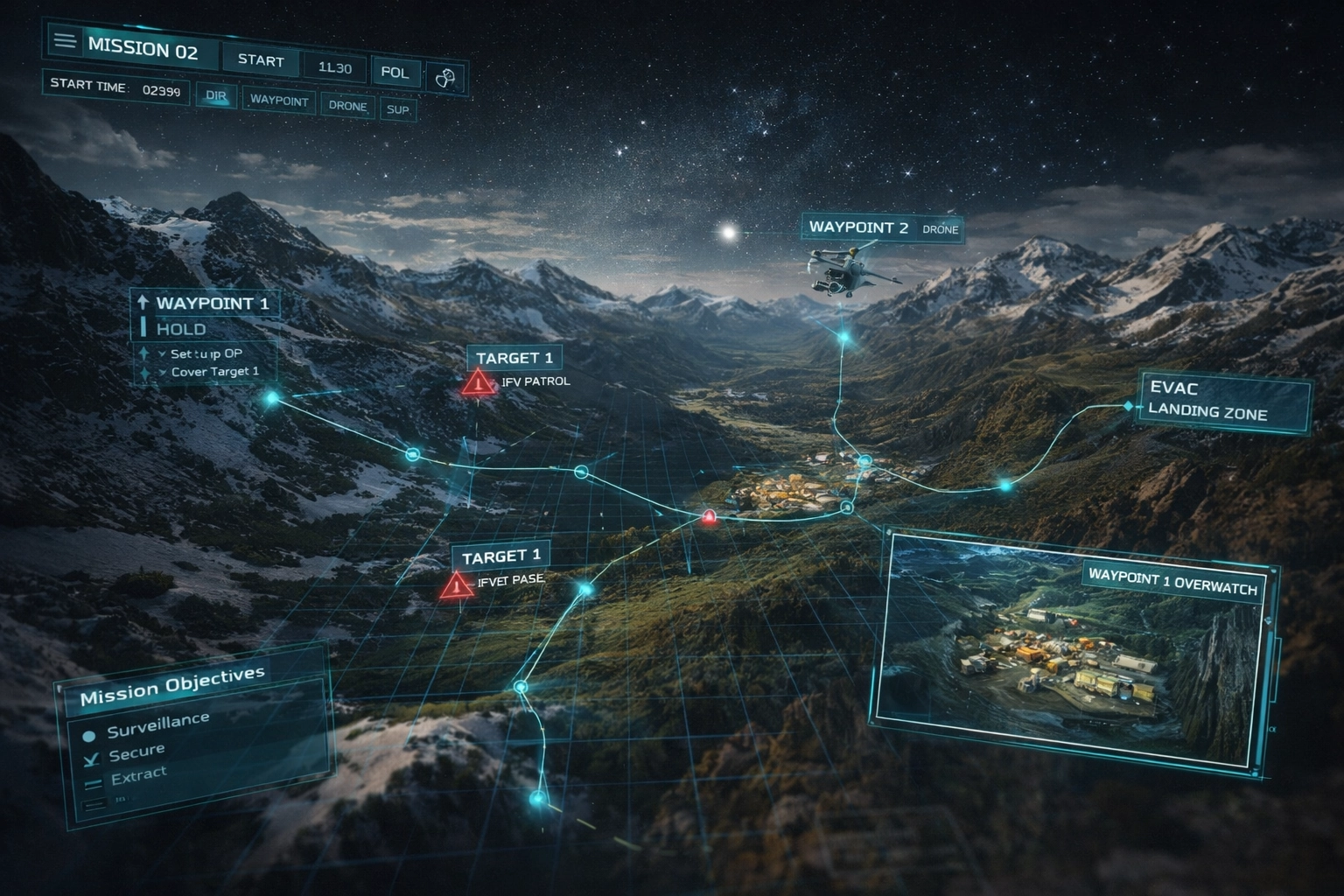
Multi-Layer Map
Terrain, routes, airspace and no-go zones layered into a single interactive view.
A mission planning sandbox for teams that need more than a static map. Build routes, sync assets, evaluate risks and rehearse complete missions before they go live.
Click any card to watch the feature demo and explore full details.
Terrain, routes, airspace and no-go zones layered into a single interactive view.
Auto-calculated routes, TOT sync and deconfliction for multiple assets.
Define tasks, phases and contingencies for each mission segment.
Play back execution, compare plans vs outcomes and export mission reports.
Templates that accelerate planning while keeping full control over details.
Dedicated tools for mission lead, planner, intel and training staff.
Every layer of mission planning — interactive maps, route timing, objectives and after-action analysis.
Terrain, routes, airspace and no-go zones in a single interactive view.
Auto-calculated routes, TOT sync and deconfliction for multiple assets.
Define tasks, phases and contingencies for each mission segment.
Play back execution, compare plans vs outcomes and export reports.
Technical specs, feature guides and integration references for the mission planning simulator.
Full simulator specs — map engine, routing/TOT engine, intel overlays and system requirements.
Complete guide to multi-layer maps, route planning, mission types and role-based modules.
Step-by-step guide for deploying into academies, operations rooms or simulation labs.
Structured progression from tasking and routes through simulated execution to debrief.
Define mission goals, constraints, ROE and key time markers for all participants before planning begins.
Assign platforms, build routes, allocate tasks and sync timings across the full mission package.
Run a full simulated execution with live adjustments and training injects.
Review tracks, timing errors and outcomes, then export mission briefs, tasking data and AAR reports.
Four pre-built templates: CAS Support (air-ground, time-sensitive, JTAC/FAC), Package Strike (multi-asset coordinated ingress/egress with TOT sync), Convoy Operations (land route security with waypoints, halts and overwatch), and Recon & ISR (sensor tasking, loiter profiles and coverage planning).
Four role-specific modules: Mission Lead Dashboard (command view, asset and timeline overview), Planner Workspace (detailed route, altitude and timing control), Intel Overlays (threat rings, imagery and no-fly areas on the map), and Training Mode (scripted missions with time-freeze, annotation and replay).
Four phases: (1) Tasking & Context — define goals, constraints, ROE; (2) Routes & Assets — assign platforms, build routes, sync timings; (3) Simulated Execution — run full simulation with live adjustments; (4) Debrief & Export — review tracks, identify errors, export briefs and tasking data.
Military training academies, operations rooms, simulation labs, mission leads, tactical planners, intelligence staff and training instructors who need a realistic, multi-domain environment to plan, rehearse and debrief air, land and joint missions.