Preview
Orbital · Mechanics
Orbital Mechanics Core
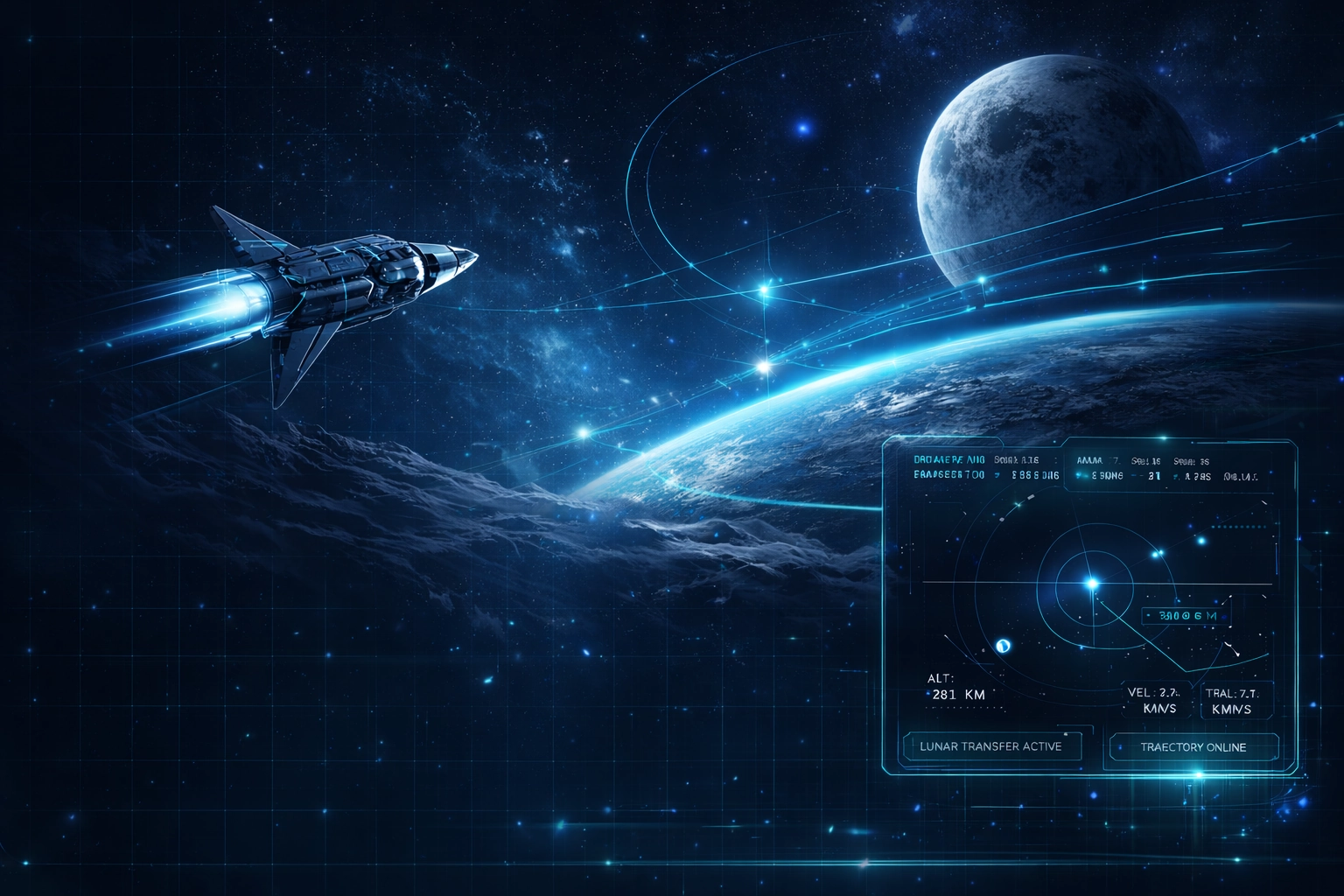
Time-warp aware simulation of orbits, burns and transfers with visual maneuver planning.
A systems-level space exploration simulator — design missions, pilot vehicles and manage off-world stations from low Earth orbit to deep space.
Click any card to watch the feature demo and explore full details.
Time-warp aware simulation of orbits, burns and transfers with visual maneuver planning.
Propulsion, RCS, power and life support modeled for crewed and uncrewed vehicles.
Powered descent, touchdown profiles and outpost logistics on selected bodies.
Monitor timelines, anomalies and telemetry from a ground-style ops panel.
A core fleet for training, with room for custom craft tailored to your own missions.
Focused workspaces to build, verify and run complex exploration missions end-to-end.
Every layer of space mission operations — orbital mechanics, vehicle systems, landing and mission control.
Time-warp aware simulation of orbits, burns and transfers with visual maneuver planning.
Propulsion, RCS, power and life support modeled for crewed and uncrewed vehicles.
Powered descent, touchdown profiles and outpost logistics on selected bodies.
Monitor timelines, anomalies and telemetry from a ground-style ops panel.
Technical specs, feature guides and integration references for the space exploration simulator.
Full simulator specs — orbital mechanics core, vehicle systems, supported bodies and system requirements.
Complete guide to orbital mechanics, vehicle systems, landing ops and mission control views.
Step-by-step guide for deploying into aerospace labs, classrooms and simulation centers.
Structured progression from objectives and trajectory design through simulation to analysis.
Choose exploration targets, timeframes and mission goals — crewed, cargo or science payload missions.
Set launch windows, transfers, staging events and capture points for the full interplanetary mission.
Fly the plan from cockpit or mission control view, watching how each system behaves under load.
Review margins, anomalies and crew workload, then refine the plan for the next simulation run.
Four core vehicles: GG-Orbiter (crewed LEO, rendezvous, docking, reentry), GG-Lunar Lander (crewed & cargo, powered descent, precision landing), GG-Transfer Stage (cryogenic deep-space, injection burns, planetary capture), and GG-Probe Series (uncrewed science, flybys, long-duration missions).
Four modules: Trajectory Design (burn & flyby chain planning with real-time orbital feedback), Vehicle Config (stage performance, fuel margins, payload profiles), Station & Outpost (crew rotations, consumables, power budgets), and Training & Replay (scripted missions with full log capture and multi-vantage replay).
Four phases: (1) Define Objectives — choose targets, timeframes and goals; (2) Design Trajectory — set launch windows, transfers, staging events and capture points; (3) Simulate Execution — fly from cockpit or mission control view; (4) Analyse & Iterate — review margins, anomalies and crew workload, then refine the plan.
Aerospace training teams, space academy students, simulation lab operators, mission planners and outreach programs needing a realistic systems-level environment for orbital mechanics, vehicle operations, lunar and interplanetary mission design, and space station management.